Reset Your Password
- Go to https://chronicler.therapyshelf.com
- Click the "Reset password" option
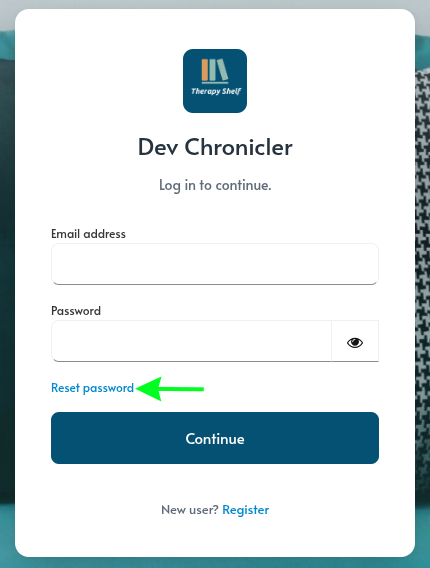
- Enter the email address you use to log into Chronicler and click "Submit."
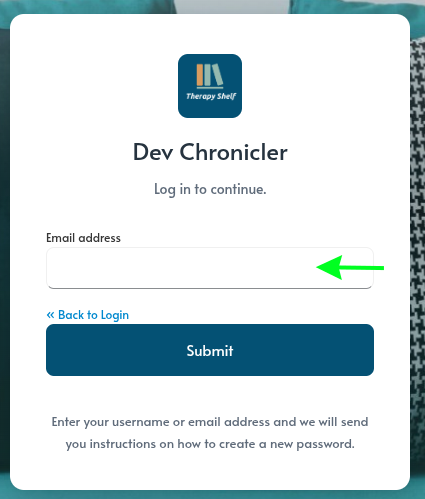 +
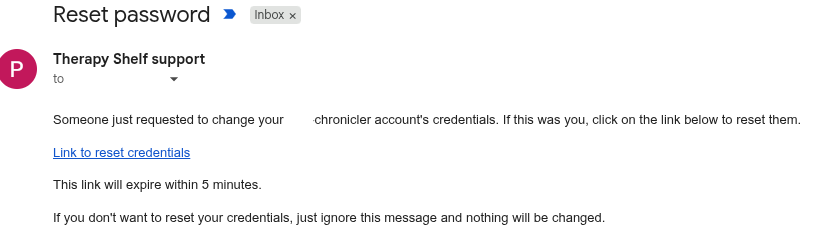
- Check your email inbox for a "Reset password" email from support@therapyshelf.com and click the link in the mail. You will be taken to a screen where you can set a new password.
- Set a new password for your account and click "Submit."
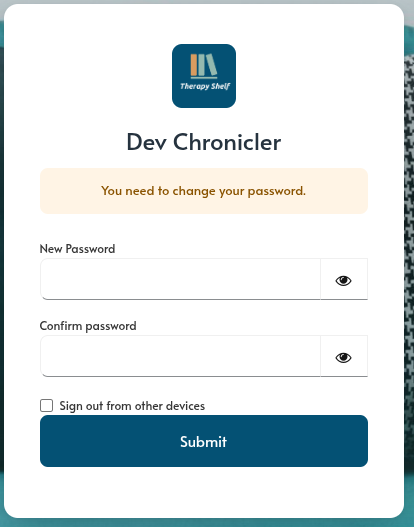
- Your account will be updated to use the new password.
Note
If you use a password manager to log into Chronicler, make sure to update that with the new password you created. If you don't, the password manager may continue to try and use the old, incorrect, password.