Update Email and Password
Overview
Sometimes it may be necessary to update the email address or password that you use to login to Chronicler and the Therapy Shelf Store. You can make those updates using the steps detailed below.
Change Email or Password
- Login to your account at the Therapy Shelf Store.
-
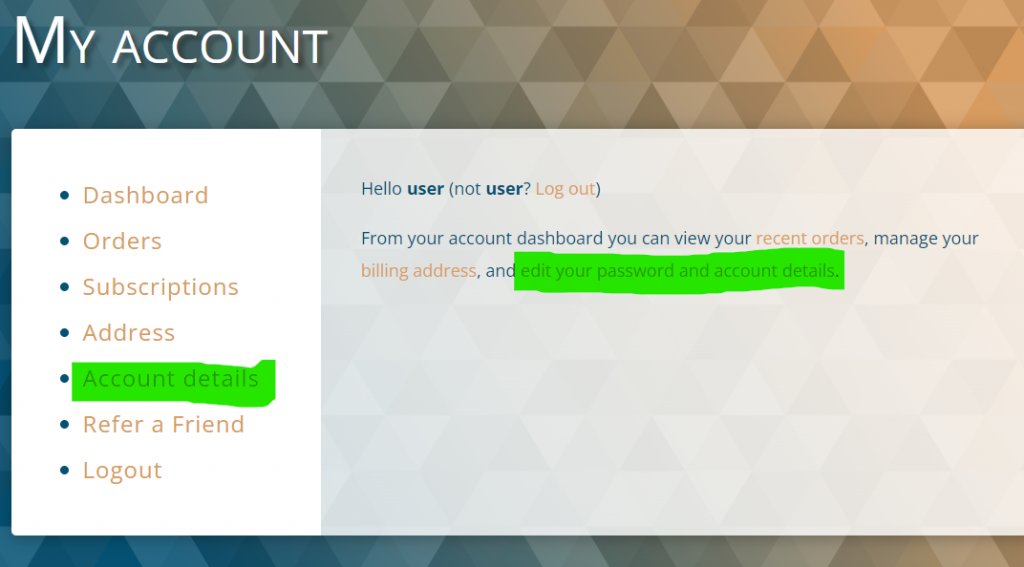
Click ‘Account Details’ from the left side menu.
-
Use the “Email address” or “Password change” fields to update your email address or password.
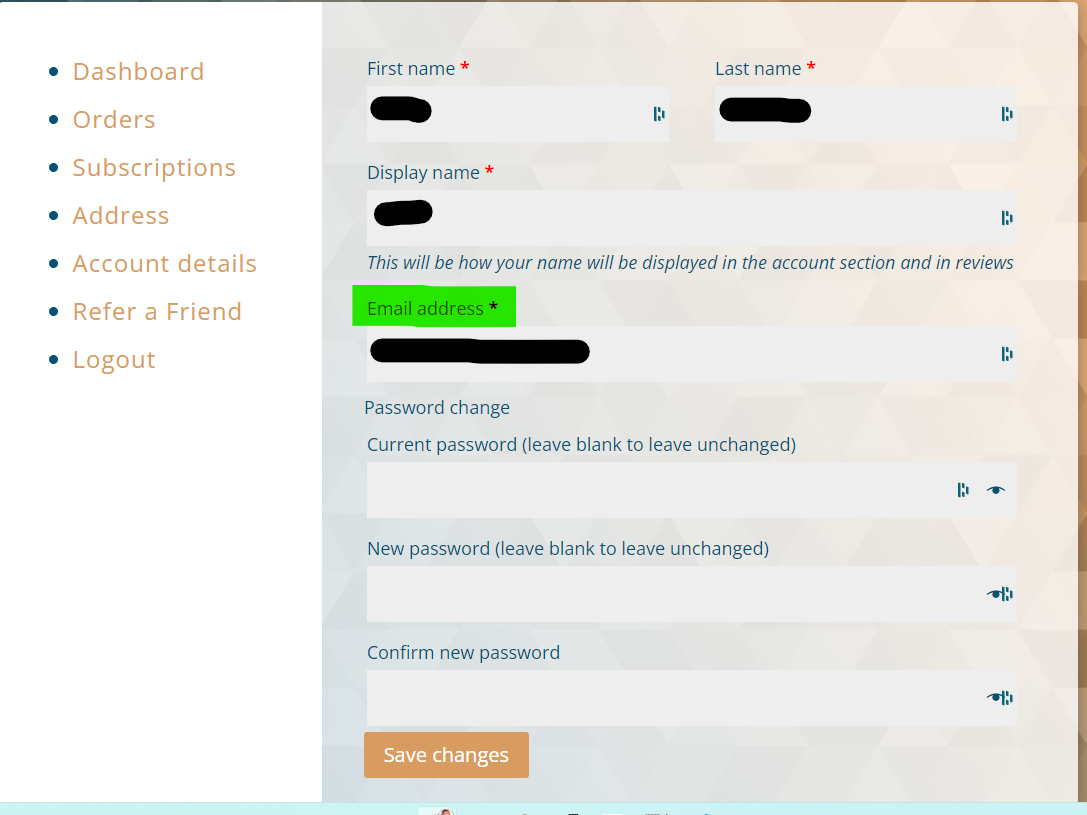
- Click “Save changes” to complete the update.
You’re all set! You can now login using your updated credentials.
Note on password security
For more info on password security, check out our blog post.